
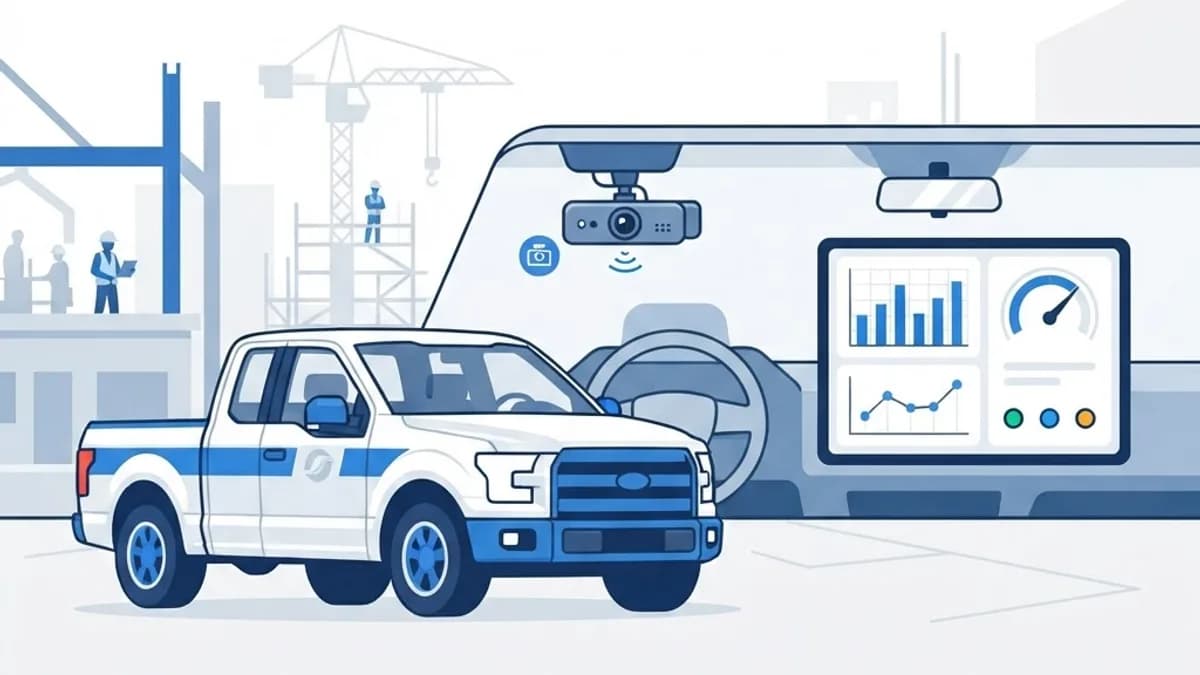
Construction firms running mixed fleets of vehicles and heavy equipment face two persistent cost centres: unplanned breakdowns and vehicle incidents. Evaluating construction technology such as eMaint alongside AI dash cam systems is how many operators now attack both at once.
They solve different halves of the same problem. eMaint is asset and maintenance management — the system of record for equipment, work orders and preventive schedules. AI dash cams are edge-based safety hardware that watch driver and road behaviour in real time.
This evaluation looks at what each does well, where they overlap, how they connect, and what a realistic implementation involves for a construction business.
What Is eMaint and What Is an AI Dash Cam?
eMaint is a cloud-based computerised maintenance management system, part of the Fluke Reliability family. It tracks assets, schedules preventive maintenance, manages work orders and spare parts inventory, records meter readings and reports on downtime and maintenance cost per asset.
An AI dash cam is a road- and cabin-facing camera with on-device computer vision. It detects behaviours such as harsh braking, tailgating, phone use, distraction and drowsiness, then flags or uploads short event clips rather than continuous footage.
The connection is data. Telematics and camera event data become powerful when they feed a maintenance system rather than sitting in a separate dashboard. Harsh braking counts and engine hours are maintenance signals, not just safety metrics.
Who Uses This Combination?
The pairing suits organisations where mobile assets and fixed equipment both drive cost and risk.
- General contractors managing owned plant plus a utility vehicle fleet
- Civil and infrastructure firms with high-value equipment on multiple sites
- Equipment rental businesses tracking utilisation and condition
- Facilities and maintenance contractors with dispersed service crews
- Operations teams building custom reporting through bespoke web application development
Key Features Evaluated
Asset and Preventive Maintenance Management
eMaint's strength is structured asset hierarchies and flexible preventive maintenance triggers — calendar-based, meter-based or condition-based. For construction, meter-based triggers matter most, because service intervals should follow engine hours or kilometres rather than dates. Configuration is genuinely customisable, which is both the platform's advantage and the reason implementations take longer than vendors imply.
Work Order Workflow and Mobile Access
Work orders support attachments, checklists, labour time and parts consumption, with mobile access for field technicians. Offline capability is important on remote sites, so test it against your actual connectivity conditions before rollout rather than in a head-office demo.
AI Dash Cam Detection and Coaching
Leading AI dash cams process video on-device and only escalate flagged events, which keeps data costs manageable. The practical value is the coaching loop: short clips reviewed with drivers reduce repeat behaviour far more effectively than aggregate scorecards. Cabin-facing cameras deliver the biggest safety gains and the biggest workforce pushback, so consultation matters.
Integration and Reporting
eMaint offers an API and integration options, and most dash cam and telematics platforms expose their own. The realistic architecture is a middleware layer that pushes engine hours and event counts into eMaint to trigger maintenance and feed unified reporting. That integration is a genuine engineering project requiring solid back-end development work.
How to Evaluate and Deploy
Treat this as a procurement and change-management exercise, not a software purchase.
- Quantify your baseline: unplanned downtime hours, maintenance cost per asset, incident rate and insurance premium.
- List must-have requirements — meter-based triggers, offline mobile, multi-site permissions, API access.
- Run scripted vendor demos using your own asset list and failure scenarios, not the vendor's sample data.
- Pilot on 10 to 20 assets and 5 to 10 vehicles for at least one quarter.
- Clean asset data before migration; a CMMS is only as good as its asset register.
- Consult drivers early on camera policy, footage access and retention periods.
- Build the telematics-to-CMMS integration so hours-based maintenance triggers automatically.
- Measure against baseline, then expand fleet-wide with revised training.
Benefits Observed
Operators who implement both properly typically report gains across safety and maintenance simultaneously.
- Fewer unplanned breakdowns as preventive schedules follow real usage data
- Reduced harsh-driving events, which lowers both incident risk and drivetrain wear
- Faster, cheaper claim resolution thanks to objective incident footage
- Clear maintenance cost per asset, improving repair-versus-replace decisions
- Better regulatory and audit documentation for equipment servicing
Potential Challenges
Both systems have well-documented friction points worth planning for.
- CMMS implementations stall when asset data is incomplete or inconsistent
- Cabin cameras generate privacy concerns and require careful policy and consultation
- False-positive detections erode driver trust if events are not reviewed by a human
- Total cost includes hardware, connectivity, installation, configuration and training — not just licences
Best Practices
A few decisions separate successful rollouts from shelfware.
- Start with your 20% highest-cost assets rather than the entire register
- Use camera footage for coaching first and discipline only as a last resort
- Always drive preventive maintenance from meter readings, not calendar dates alone
- Publish a written footage policy covering access, retention and driver rights, supported by strong data security controls
Real-World Example
A regional civil contractor with 60 vehicles and 40 pieces of plant piloted eMaint on excavators and loaders while fitting AI dash cams to its light fleet. In the first quarter, the value came from an unglamorous discovery: three machines were being serviced on a calendar schedule while running double the assumed hours, and two others were being over-serviced.
Switching to hours-based triggers fed by telematics cut both breakdowns and unnecessary servicing. Separately, weekly five-minute coaching sessions using dash cam clips reduced harsh-braking events sharply within two months, which the insurer recognised at renewal. Neither result came from the software alone — the operational routine around it did the work.
Why It Matters
In construction, an idle machine stops a crew, not just an asset. Downtime and incidents cascade into schedule delay and liquidated damages, which is why maintenance and safety data deserve the same rigour as project scheduling.
Evaluating construction technology like eMaint against AI dash cam capability is really a question about visibility. Combined, they convert scattered assumptions about equipment condition and driver behaviour into measurable operational facts.
Frequently Asked Questions
Does eMaint include AI dash cam functionality?
No. eMaint is maintenance and asset management software, not a camera or telematics platform. You integrate a separate dash cam or telematics provider and pipe its data into eMaint via API.
Are AI dash cams worth the cost for small fleets?
Often yes, because a single avoided at-fault incident can exceed a year of subscription cost. Confirm with your insurer whether footage and driver-coaching programs attract a premium reduction before committing.
How long does a CMMS implementation take?
Expect two to six months for a mid-sized construction business, with most of that spent cleaning asset data and defining preventive schedules rather than configuring software.
What about driver privacy with cabin-facing cameras?
Consult your workforce before deployment, publish exactly what is recorded and who can view it, limit retention, and restrict access to named reviewers. Transparency dramatically reduces resistance and legal exposure.
Conclusion
eMaint and AI dash cams solve complementary problems, and the biggest gains come from connecting them so real usage data drives maintenance and safety decisions together. Pilot small, clean your data, and measure against a real baseline.
If you need custom dashboards or integration work linking fleet and maintenance data, see how our web application team can help.
Enjoyed this article? Share it with others!