
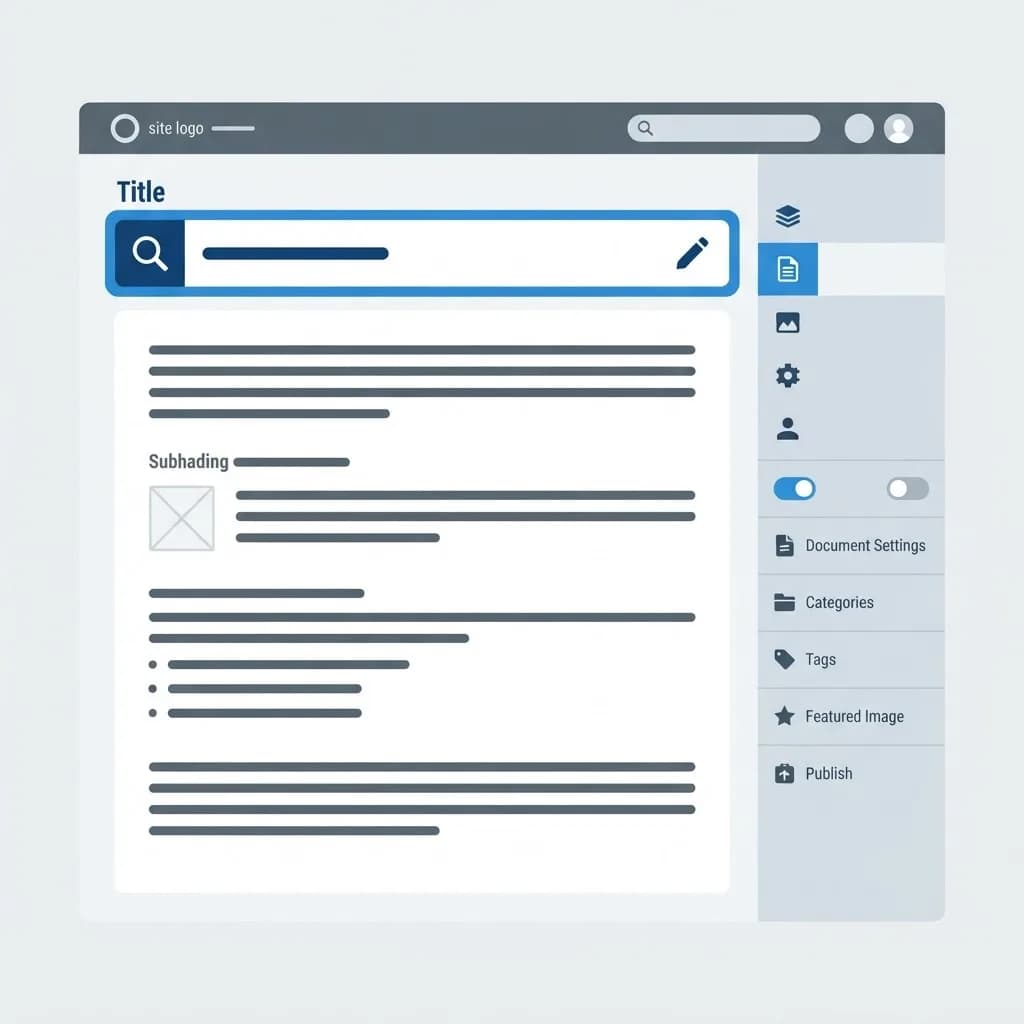
If you have ever wondered why your post shows one headline on the page but a different one in Google, you have met the SEO title. Knowing where the SEO title in WordPress lives is one of those small skills that immediately improves your click-through rate.
WordPress itself has a post title field, but that is not always what search engines display. The SEO title, also called the meta title or title tag, is a separate value usually controlled by an SEO plugin.
This guide shows exactly where to find and edit it in every popular setup, what to write in it, and how to avoid the duplication mistakes that quietly cost traffic.
What Is the SEO Title in WordPress?
The SEO title is the text placed inside the HTML title tag of a page. It appears as the clickable blue headline in search results, in browser tab labels and in most social sharing previews.
Your post title is the H1 heading visitors read on the page. The SEO title is a separate field written specifically for search results, which means it can be shorter, keyword-led or framed differently to earn the click.
By default WordPress uses your post title for both. An SEO plugin lets you override the search-facing version without changing what readers see on the page itself.
Who Needs to Edit the SEO Title?
Anyone publishing content that should be found in search benefits from controlling this field deliberately rather than accepting the default.
- Bloggers whose creative headlines do not contain the actual search keyword
- Ecommerce stores needing brand, model and modifier in a tight character budget
- Local businesses wanting city names in search results but not in on-page headings
- Anyone with long post titles that get truncated in search snippets
- Site owners fixing duplicate titles flagged in Search Console
Where to Find It in Each Setup
Yoast SEO
Open the post or page editor and scroll below the content area to the Yoast SEO box. Click the Google Preview or Search Appearance section, and the SEO title field sits above the slug and meta description.
Rank Math
Click the Rank Math icon in the top right of the editor, then choose Edit Snippet in the General tab. The title field appears first, with a live preview and character counter beneath it.
All in One SEO
Scroll to the AIOSEO Settings panel below the editor and open the General tab. Use the Post Title field, where you can also insert smart tags like site title or separator.
Without Any Plugin
If no SEO plugin is active, WordPress generates the title tag from your post title and theme template. To customise it you would edit the theme header or functions file, which is why a plugin is the practical choice for most sites.
How to Set a Strong SEO Title
Once you know where the field is, the writing matters more than the location. Teams handling large content libraries often standardise this within broader on-page SEO optimization services.
- Open the post and locate the SEO title field in your plugin panel.
- Place the primary keyword near the front, phrased the way people actually search.
- Keep the whole title under roughly 60 characters so it is not truncated.
- Add one clear benefit, year or qualifier to increase relevance and appeal.
- Append your brand only if space allows and it aids trust.
- Check the live preview, update the post, then request indexing in Search Console.
Benefits of Controlling the SEO Title
This single field influences whether searchers choose your result over nine others on the page.
- Higher click-through rate from titles that match search intent precisely
- Keyword clarity without forcing awkward phrasing into your on-page headline
- No truncation, so your full message survives in the snippet
- Fewer duplicate title warnings across category and archive pages
- Consistent branding across search results, browser tabs and shared links
Potential Challenges
A few quirks trip people up when editing titles in WordPress.
- Google sometimes rewrites titles it considers unhelpful or keyword-stuffed
- Caching plugins and CDNs can serve the old title for hours after an update
- Running two SEO plugins at once produces conflicting or duplicated tags
- Theme-level title templates can override plugin output on some setups
Best Practices and Tips
Treat every SEO title as ad copy with a strict character limit.
- Write a unique title for every indexable page, including key archives
- Front-load the keyword but keep the sentence natural and readable
- Use plugin templates for bulk pages, then hand-write your top 20 URLs
- Clear cache and view the page source to confirm the tag actually changed
Real-World Example
A recipe blogger published a post titled 'Grandma's Sunday Comfort Bowl'. It read beautifully but contained no keyword, and impressions were negligible despite good content and photos.
She kept the on-page H1 and set the SEO title in Rank Math to 'Easy Creamy Chicken Rice Soup Recipe (30 Minutes)'. Impressions tripled in six weeks and click-through rate rose from 1.4 to 4.2 percent. That gap between page headline and search headline is one of the fastest wins in practical SEO work.
Why It Matters
The SEO title is your first and often only pitch in the search results. A page can rank well and still fail commercially if nobody clicks it.
Because the fix is fast and repeatable, title optimization is a standard early deliverable for providers offering white label SEO services to agency clients who need visible results quickly.
Frequently Asked Questions
Is the SEO title the same as the H1?
No. The H1 is the heading on your page, while the SEO title is the title tag shown in search results. They can and often should differ.
How long should a WordPress SEO title be?
Around 50 to 60 characters. Beyond that Google usually truncates it with an ellipsis, cutting off your message.
Why is Google showing a different title than mine?
Google rewrites titles when it judges them keyword-stuffed, vague or mismatched with page content. Writing a clear, accurate title reduces the chance of a rewrite.
Do I need a plugin to change it?
Practically, yes. Yoast, Rank Math or AIOSEO give you the field without editing theme code, which is safer and much faster.
Conclusion
The SEO title in WordPress lives inside your SEO plugin panel in the post editor, separate from the post title itself. Editing it deliberately gives you control over how your page is presented in search.
Review your top ten pages today and rewrite any default titles. For help optimizing titles across an entire site, explore a hands-on SEO service for WordPress websites.
Enjoyed this article? Share it with others!