
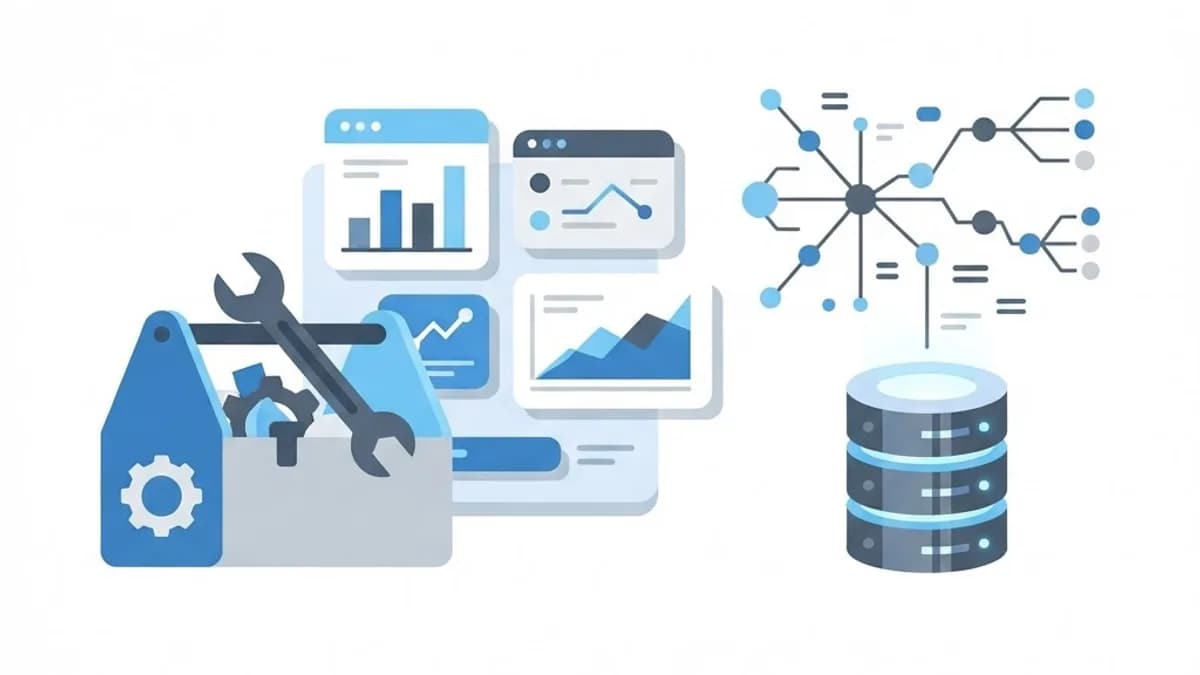
Choosing a data mining tool is less about finding the most powerful option and more about matching capability to your team's actual skills. A platform nobody can operate produces exactly zero insights.
The modern landscape splits roughly into three groups: code-first libraries, visual workflow platforms, and integrated cloud services. Each data mining tool category suits a different combination of technical depth, budget and governance requirement.
This comparison covers what actually differentiates them, how to evaluate options without a six-month bake-off, and where teams commonly choose wrong.
What Is a Data Mining Tool?
A data mining tool is software that helps you connect to data sources, prepare datasets, apply pattern-discovery algorithms, and interpret the results. Most bundle preprocessing, modelling, evaluation and visualisation into a single environment.
The core algorithms — decision trees, k-means clustering, association rules, gradient boosting — are largely standardised across tools. What differs is the interface, the scale it handles, the governance features, and how easily results reach production.
That means tool selection is mostly a workflow decision, not an accuracy decision. Two platforms running the same algorithm on the same data will produce nearly identical models.
Who Needs a Dedicated Data Mining Tool?
If your analysis fits comfortably in a spreadsheet, you probably do not need one yet. The threshold is data volume, repetition, or algorithmic complexity.
- Analytics teams running recurring segmentation, scoring or forecasting work that must be reproducible.
- Data scientists needing full algorithmic control, custom features and version-controlled pipelines.
- Business analysts without coding skills who need visual workflows to build models independently.
- Marketing operations teams building audience segments to feed into integrated digital marketing campaigns.
- Regulated industries requiring audit trails, lineage tracking and role-based access controls.
Key Categories of Data Mining Tools
Open-Source Code Libraries
Python with scikit-learn, pandas and XGBoost, or R with its CRAN ecosystem. These offer maximum flexibility, no licence cost, and the largest community. The trade-off is that everything — scheduling, monitoring, interfaces — you build yourself.
Visual Workflow Platforms
KNIME, RapidMiner and Orange let users assemble pipelines by connecting nodes on a canvas. They dramatically lower the entry barrier and make workflows self-documenting, which is genuinely useful for handover and audit.
Cloud and Enterprise Platforms
Google BigQuery ML, Azure Machine Learning, AWS SageMaker and Databricks handle large-scale data without infrastructure management. They excel at scale and governance but introduce consumption-based costs that can surprise teams.
BI Tools With Modelling Add-Ons
Power BI, Tableau and similar platforms now include basic clustering, forecasting and anomaly detection. Adequate for straightforward tasks, limiting once you need custom features or algorithm control.
How to Choose the Right Data Mining Tool
Run a short structured evaluation rather than a long informal one. Two weeks with a real dataset beats months of vendor demos.
- List your actual use cases. Segmentation, churn scoring and forecasting have different requirements — write them down concretely.
- Audit your team's skills honestly. If nobody writes Python, a code-first library will sit unused regardless of its capability.
- Check data connectivity. Confirm native connectors exist for your warehouse, CRM and any critical source.
- Assess scale requirements. Millions of rows rule out desktop-only tools and point toward cloud platforms.
- Review governance needs. Regulated environments require lineage, versioning and access control as non-negotiables.
- Run a real pilot. Use your own messy data, not the vendor's clean demo set.
- Plan the deployment path. Confirm how model output reaches production — usually an API layer built with solid back-end development.
Benefits of Using the Right Tool
The correct tool mostly saves time and prevents rework, which compounds quickly across a team.
- Faster iteration. Reusable pipelines mean the next project starts at 40% complete, not zero.
- Reproducible results. Saved workflows produce identical numbers months later without archaeology.
- Wider participation. Visual tools let domain experts build models rather than queuing behind engineers.
- Built-in best practices. Automatic cross-validation and leakage warnings catch mistakes early.
- Cleaner handover. Documented workflows survive staff changes; undocumented notebooks do not.
Potential Challenges
Every tool category carries a predictable downside worth pricing in before committing.
- Licence and consumption costs. Cloud platforms bill by compute and storage, and exploratory work can escalate spend fast.
- Vendor lock-in. Proprietary formats make migrating years of pipelines genuinely painful.
- Learning curve. Enterprise platforms often need weeks of training before productivity arrives.
- Security exposure. Connecting a tool to production databases requires careful cybersecurity and access management to avoid uncontrolled data access.
Best Practices and Tips
Tool decisions age badly when made for the wrong reasons. These habits help.
- Start with the free tier or open-source option and upgrade only when a specific limitation blocks you.
- Avoid combining more than two platforms. Fragmented tooling multiplies maintenance and confusion.
- Insist on export capability — models and pipelines should be extractable in open formats.
- Budget for training, not just licences. Unused capability is the most common form of waste.
Real-World Example
A logistics company with 60 employees wanted to predict delivery delays. Their analytics team consisted of two business analysts, neither of whom coded. Leadership initially pushed for an enterprise cloud ML platform on the assumption that more powerful meant better.
After a two-week pilot, the picture changed. The analysts spent most of the trial struggling with notebooks and environment configuration rather than modelling. They then trialled KNIME, building a working delay-prediction workflow in four days using drag-and-drop nodes connected to their existing SQL warehouse.
The resulting model was not state of the art — a decision tree ensemble hitting about 79% accuracy — but it was in production within a month and immediately useful for proactive customer notifications. The predictions were surfaced in an internal dashboard delivered through a custom web application, and the enterprise platform decision was postponed until data volume actually demanded it.
Why It Matters
Tooling determines who in your organisation can participate in analytics. A code-only stack concentrates capability in two or three people and creates a bottleneck; an accessible platform distributes it across departments.
Cost discipline matters too. Over-buying capability you cannot staff is a common and expensive mistake, while under-buying creates ceilings you hit within a year. The right answer is usually the simplest tool that handles your realistic 18-month roadmap, with a clear plan for how output gets deployed through proper cloud infrastructure and solutions.
Frequently Asked Questions
What is the best free data mining tool?
For coders, Python with scikit-learn is the strongest free option. For non-coders, KNIME Analytics Platform and Orange are both fully featured, open source and genuinely capable for production work.
Do I need a data warehouse before choosing a tool?
Not strictly, but it helps enormously. Without a central store you will spend most of your time on manual extracts, which undermines reproducibility and slows every project.
Can Excel be used for data mining?
For small datasets and basic analysis, yes — particularly with Power Query and the Analysis ToolPak. It becomes unworkable past a few hundred thousand rows or when you need proper cross-validation.
How much should a small business budget?
Many start at zero using open-source tools plus existing cloud storage. Commercial platforms typically range from a few hundred to several thousand per user annually, so pilot free options first.
Conclusion
The best data mining tool is the one your team will actually use on real data next month. Match it to existing skills, verify it connects to your sources, pilot with your own messy dataset, and confirm a realistic deployment path.
Need help connecting your data sources and putting model output in front of your team? Explore expert AI and data services to build the pipeline around whichever tool you choose.
Enjoyed this article? Share it with others!