
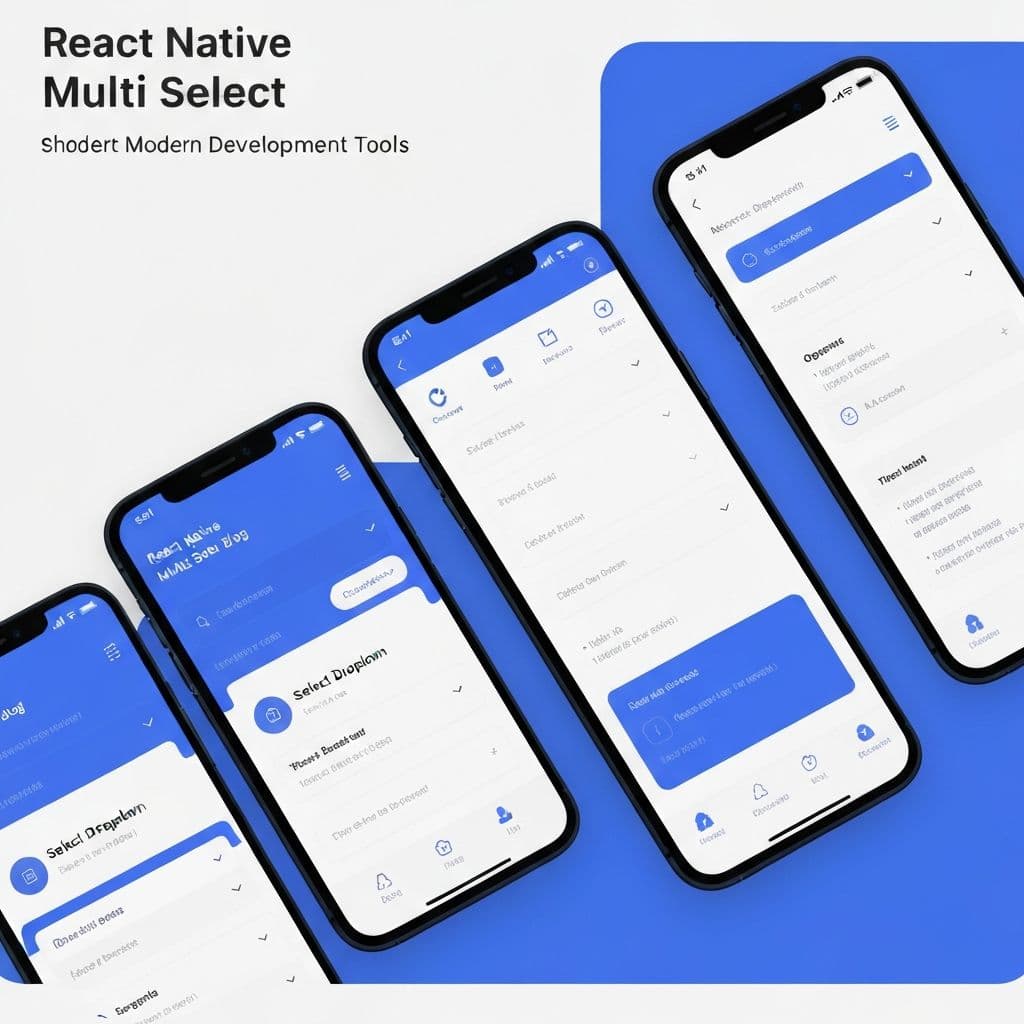
Understanding React Native Sectioned Multi Select
React Native Sectioned Multi Select is a powerful component library that enables developers to create organized, multi-select dropdown lists with hierarchical sections in mobile applications. This library is essential for applications requiring users to select multiple items from categorized lists, such as e-commerce platforms, task management apps, or data filtering interfaces. The sectioned approach improves user experience by organizing items logically, making it easier for users to find and select what they need.
The component provides a seamless experience across both iOS and Android platforms, maintaining native look and feel while offering extensive customization options. With its intuitive interface and robust functionality, developers can create sophisticated selection interfaces without reinventing the wheel. At Tulu E Biz, we've seen this library streamline complex mobile app development workflows significantly.
Installation and Setup
Getting started with React Native Sectioned Multi Select is straightforward. Begin by installing the package through npm or yarn using the command: npm install react-native-sectioned-multi-select. Ensure your React Native project is properly configured and your dependencies are up-to-date. After installation, import the component into your project and start implementing it in your app.
Configuration involves setting up your data structure properly. The library expects data in a specific format with sections and items within each section. Create an array of section objects, each containing an id, name, and array of items. Each item should have an id and name property at minimum. Additional properties can be added based on your specific requirements. Proper initialization ensures smooth functionality throughout your application.
Basic Implementation
Implementing a basic sectioned multi-select component involves defining your data structure and state management. Create a state variable to hold selected items and a handler function to update this state when selections change. Pass your sections data, selected items, and change handler to the component as props. The component manages the UI rendering, dropdown animations, and user interactions automatically.
Here's a typical implementation: Define your sections array with categories and items, set up useState to track selections, and render the SectionedMultiSelect component with appropriate props. The component handles scrolling, animations, and visual feedback automatically. You can customize colors, fonts, icons, and behavior through available props. Start with basic implementation and gradually add customization as needed for your specific use case.
Advanced Customization Options
React Native Sectioned Multi Select offers extensive customization capabilities to match your app's design language. Customize colors by setting properties like colors prop to define selected item colors, checkbox colors, and background colors. Modify fonts and text sizes using fontSize and fontFamily props. Change icons, icons colors, and their sizes to match your design system.
You can customize behavior through options like single-select mode, search functionality, and item selection limits. Enable search to allow users to filter items quickly through large lists. Implement item limit restrictions to prevent users from selecting too many items. Customize the display format of selected items using custom renderers. Add confirmable selections requiring user confirmation before applying changes. These advanced options enable you to create perfectly tailored selection experiences.
Search and Filtering Capabilities
The search functionality in React Native Sectioned Multi Select allows users to quickly locate items within large datasets. Enable search by setting the searchPlaceholderText prop, which triggers a search input field. Users can type to filter items in real-time, improving usability for lists with many items. The search works across item names and any custom searchable fields you define.
Implement advanced filtering by combining search with other filters. You can programmatically control filtering through props, allowing users to apply multiple criteria simultaneously. Implement debouncing to optimize performance when searching through large datasets. Customize search behavior, appearance, and matching logic to suit your application's needs. The search feature significantly enhances user experience when dealing with extensive item collections.
Handling Selection Events
Managing selection events properly is crucial for creating responsive applications. Implement handlers for various events such as onSelectedItemsChange, which fires when user selections change. Additional handlers include onSelectAll for bulk selection, onDeselectAll for clearing selections, and onToggleList for opening/closing the dropdown. These handlers allow your application to respond immediately to user actions.
Use event handlers to validate selections, trigger API calls, update UI elements, or maintain application state. Implement conditional logic to prevent invalid selections or enforce business rules. Create custom handlers for complex workflows where selection affects multiple parts of your application. Proper event handling ensures your app responds appropriately to user interactions and maintains data consistency.
Performance Optimization
When working with large datasets, performance optimization becomes critical. Implement virtualization to render only visible items in the list, significantly improving performance with thousands of items. Use memoization for component rendering to prevent unnecessary re-renders. Optimize your data structure and selection algorithms to minimize computation overhead.
Consider lazy loading items as users scroll through the list, particularly useful for applications with dynamically loaded data. Implement search debouncing to reduce filtering computations. Use React.memo and useMemo hooks strategically to optimize parent-child component relationships. Monitor performance using React Native debugging tools and profile your app to identify bottlenecks. These optimization techniques ensure smooth, responsive user experiences even with complex selection lists.
Common Issues and Solutions
Developers often encounter specific challenges when implementing React Native Sectioned Multi Select. One common issue is improper data structure formatting, which can cause selection errors. Ensure your data strictly follows the expected format with proper ids and names. Another frequent problem is state management conflicts when combining with Redux or other state management solutions. Implement clear state boundaries and proper action handlers.
UI rendering issues sometimes occur on specific Android devices. Test extensively across various devices and Android versions. Update the library to the latest version as updates often include bug fixes and performance improvements. Styling conflicts with other components require careful CSS/styling management. Implement scoped styling or theme providers to prevent conflicts. Documentation and community forums are excellent resources for troubleshooting specific issues.
Best Practices
Follow best practices to create robust, maintainable implementations. Always validate your data structure before passing it to the component. Implement proper error handling for network requests if loading data dynamically. Use TypeScript for type safety and better development experience. Organize your component hierarchy logically with proper component separation.
Implement accessibility features like proper ARIA labels and keyboard navigation. Test your implementation thoroughly across devices and platforms. Keep your selection logic simple and understandable for maintenance. Document your implementation with clear comments. Monitor performance metrics and optimize based on real-world usage. Follow React Native best practices alongside component-specific guidelines for optimal results.
Conclusion
React Native Sectioned Multi Select is an invaluable library for building sophisticated selection interfaces in mobile applications. Its flexibility, customization options, and ease of use make it an excellent choice for developers at all skill levels. By understanding its capabilities, implementing best practices, and handling edge cases properly, you can create exceptional user experiences. Start exploring this powerful library today and elevate your mobile app development to the next level.
Enjoyed this article? Share it with others!