
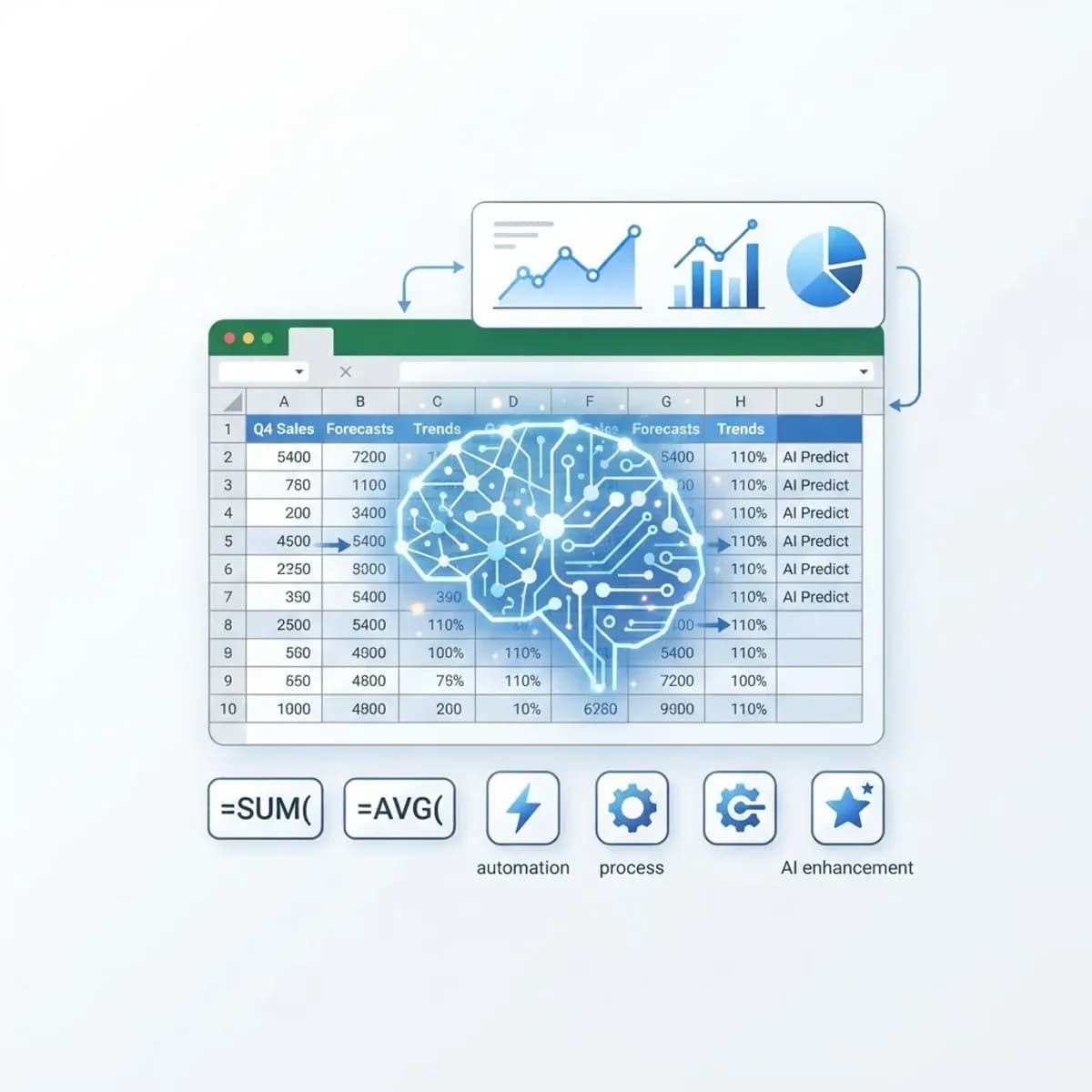
Artificial intelligence for Excel is changing how people work with spreadsheets, turning hours of manual effort into minutes of smart automation. Whether you crunch numbers daily or occasionally, AI can make Excel far more powerful.
In this guide, we explore how artificial intelligence for Excel works, who benefits, and how to start using it today. The focus is on practical, time-saving value.
By the end, you will know how to let AI handle the heavy lifting so you can focus on insights, not busywork.
What Is Artificial Intelligence for Excel?
Artificial intelligence for Excel refers to AI tools and features that automate tasks, generate formulas, analyze data, and reveal insights inside spreadsheets. It brings smart automation to everyday work.
At its core, AI helps Excel understand your data and intent, suggesting formulas, spotting trends, and even answering questions in plain language.
This means less time on manual formulas and more time making decisions.
Who Uses It?
AI-powered Excel appeals to anyone who works with data regularly.
- Accountants and financial analysts
- Business owners tracking performance
- Marketers analyzing campaigns
- Project managers organizing data
- Students and researchers handling datasets
Key Features
Formula Generation
AI can write complex formulas from a plain-language description, saving time and reducing errors.
Data Analysis
AI spots trends, outliers, and patterns automatically, delivering instant insights.
Natural Language Queries
You can ask questions about your data in everyday language and get clear answers.
Automation of Repetitive Tasks
AI cleans, sorts, and formats data automatically, supporting smarter data-driven marketing and reporting.
How to Get Started
Bringing AI into Excel is simpler than you might expect.
- Update to a version of Excel with AI features.
- Explore built-in tools like Analyze Data and Copilot.
- Try describing a formula in plain language.
- Use AI to summarize or visualize your data.
- Refine results and build them into your workflow.
Benefits
The benefits of AI in Excel add up quickly.
- Save hours on manual data work
- Reduce formula errors
- Gain faster insights from data
- Make spreadsheets accessible to non-experts
- Improve decision-making with clear analysis
Potential Challenges
There are a few things to keep in mind.
- AI suggestions still need human review
- Some features require newer Excel versions
- Data privacy should be considered
- Complex tasks may still need expertise
Best Practices and Tips
These tips help you get the most from AI in Excel.
- Keep your data clean and well-organized
- Write clear prompts for formulas and queries
- Always double-check AI-generated results
- Combine AI speed with your own judgment
Real-World Example
Imagine a small business owner who spends every Monday building a sales report by hand. After adopting artificial intelligence for Excel, they simply ask the tool to summarize weekly sales and highlight trends.
What used to take two hours now takes ten minutes, freeing time for strategy. The reports are also clearer, helping the team make faster decisions.
Why It Matters
Data drives modern business, and Excel remains a core tool for millions. Artificial intelligence for Excel makes that tool dramatically more powerful and accessible.
Those who embrace AI-enhanced spreadsheets work faster, smarter, and with greater confidence.
Frequently Asked Questions
Do I need to be an Excel expert to use AI features?
No. Many AI tools are designed to help beginners by handling complex tasks automatically.
Is AI in Excel free?
Some features are built in, while advanced tools like Copilot may require a subscription.
Can AI write formulas for me?
Yes. You can describe what you need in plain language and AI will generate the formula.
Is my data safe with AI in Excel?
Generally yes, but always follow your organization's data privacy and security guidelines.
Conclusion
Artificial intelligence for Excel is a powerful way to save time, reduce errors, and unlock deeper insights from your data. With a little practice, it can transform how you work.
If you want to build custom AI tools or data solutions for your business, explore professional AI development services to take the next step.
Enjoyed this article? Share it with others!